Learn Fulexa Step by Step
Watch our complete video guides to master every feature — from nozzle readings and stock management to financial reports and supplier payments.
Featured Tutorials
Click any video to watch right here
 1 min 2sec
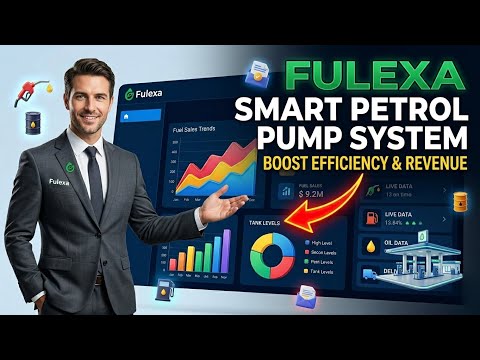
Introduction Fulexa | Petrol Pump Management Software | Fulexa Tutorial
Learn how to use Fulexa — petrol pump management software built for Pakistan. Track nozzle readings, fuel purchases, supplier payments, customer debt, employee advances, and complete balance sheets — all in one place
 1 min 32sec
How to register or create account on Fulexa | Login
Step-by-step guide: how to create a new station account on the Fulexa petrol pump software. We’ll cover everything from basic details to setting up your nozzles.
 1 min
1 minHow to Add Petrol Pump Branches? | Fulexa Tutorial Urdu | Step-by-Step Guide
In this video, we provide a step-by-step guide on how you, as a petrol pump owner, can add your pumps and branches on Fulexa.If you want to digitally manage your petrol pump business, this video will be very helpful for you.
 1 min 23sec
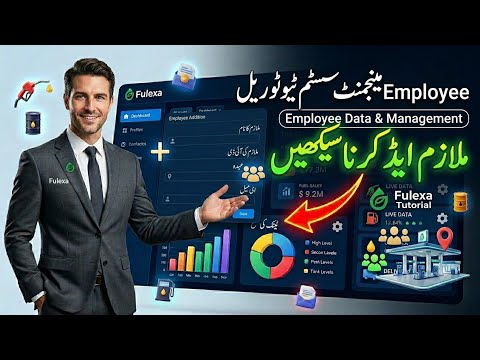
How to Add Employee? | Employee Management
Learn how to add and manage employees in the Fulexa Petrol Pump Management System. This step-by-step tutorial covers staff registration, assigning roles, and tracking employee data to completely automate your fuel station business. Streamline your workflow and secure your system operations today!
Topics Covered
Everything you need to run your station